GTA 6 How to Save Your Game: Manual Saves and Autosave
GTA 6 doesn’t make saving obvious on day one, and a lot of older advice online is just GTA 5 copied over. Here’s what launch-week guides agree on, plus what still isn’t clear.
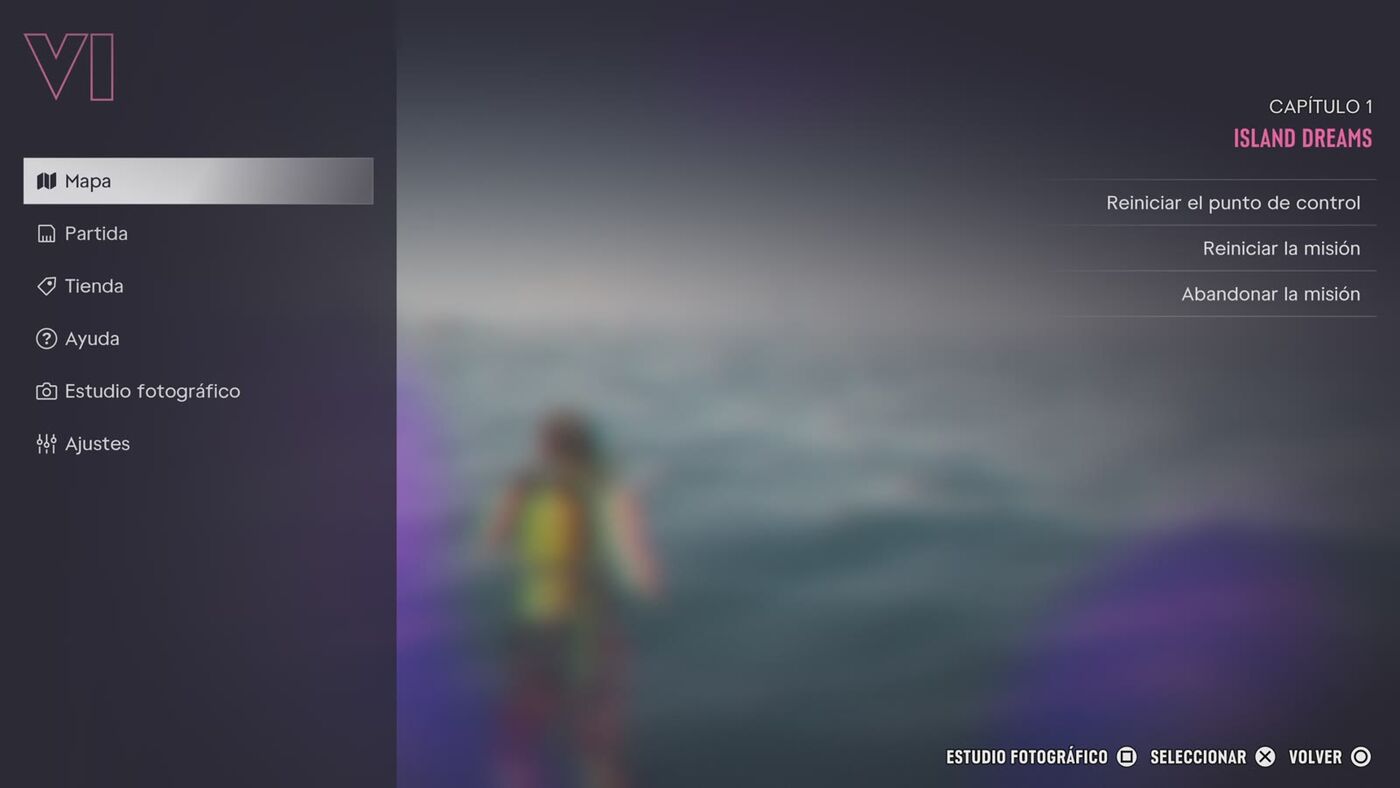
How to manually save in GTA 6
- Make sure you’re in free roam, not inside a mission.
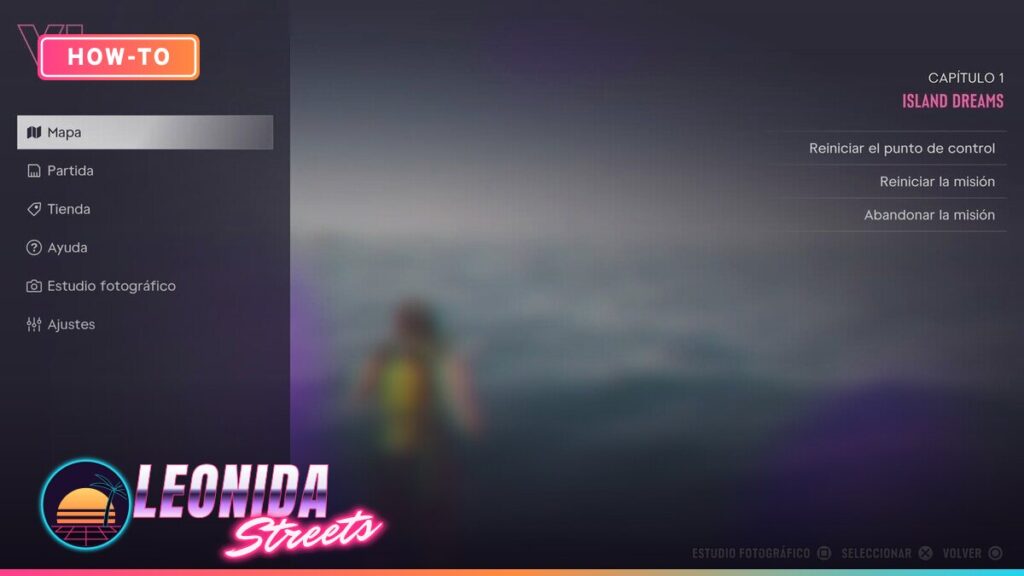
- Press Options (PS5) or Menu (Xbox Series X|S) to open the pause menu.
- Go to the Game tab.
- Select Save Game.
- Pick an empty slot, or overwrite an old one.
Overwriting replaces that slot’s progress for good. If you like to experiment (heists, big purchases, story choices), keep two or three slots rotating instead of always hitting the same one.
Save slots and autosave
| Save type | How many | What to know |
|---|---|---|
| Manual save | 15 slots | Created from Pause Menu > Game. You choose when. |
| Autosave | 1 slot | Written by the game after major missions and some open-world events. Each autosave replaces the previous one. |
Autosaves don’t touch your manual slots. Rockstar hasn’t published a full list of what triggers an autosave, so don’t rely on it alone before something risky.
When you can’t save
- During missions: manual saving is blocked until the mission ends.
- At the very start: one guide reports manual saves stay locked through the opening story sequence and open up once you reach Jason’s place at the marina, right after Brian’s first job. Only one source says this, so treat the exact moment as reported, not confirmed.
How to load a save
Open the pause menu, go to Game > Load Game, choose the autosave or a manual slot and confirm. One guide warns that loading an older manual save can lead to the autosave being overwritten with that older progress, so save to a fresh manual slot first if you want to keep your current state.
Safehouse beds and phone saves
In GTA 5 you could save by sleeping in a safehouse bed or through the phone. For GTA 6, we haven’t found two solid sources confirming either method. Some sites describe them, but they look like GTA 5 carryover. Use the pause menu, which is the method launch guides agree on. We’ll update this if Rockstar or more launch coverage confirms bed or phone saving.
FAQ
How do I save in GTA 6?
Pause the game, open the Game tab and select Save Game, then pick a slot. It only works outside missions.
Does GTA 6 have autosave?
Yes. It uses one autosave slot that updates after major missions and some open-world events. Each new autosave replaces the last one.
How many save slots does GTA 6 have?
Launch guides report 15 manual slots plus the single autosave slot.
Can I save during a mission in GTA 6?
No. Manual saving is blocked while a mission is active. Finish it or leave it first.
Can you save by sleeping in a bed in GTA 6?
Not confirmed. That was how GTA 5 worked, but we haven’t found reliable confirmation for GTA 6. The pause menu is the safe method.