GTA 6 Accessibility Settings: Screen Narration, Driving Assists, Brightness and Vignette
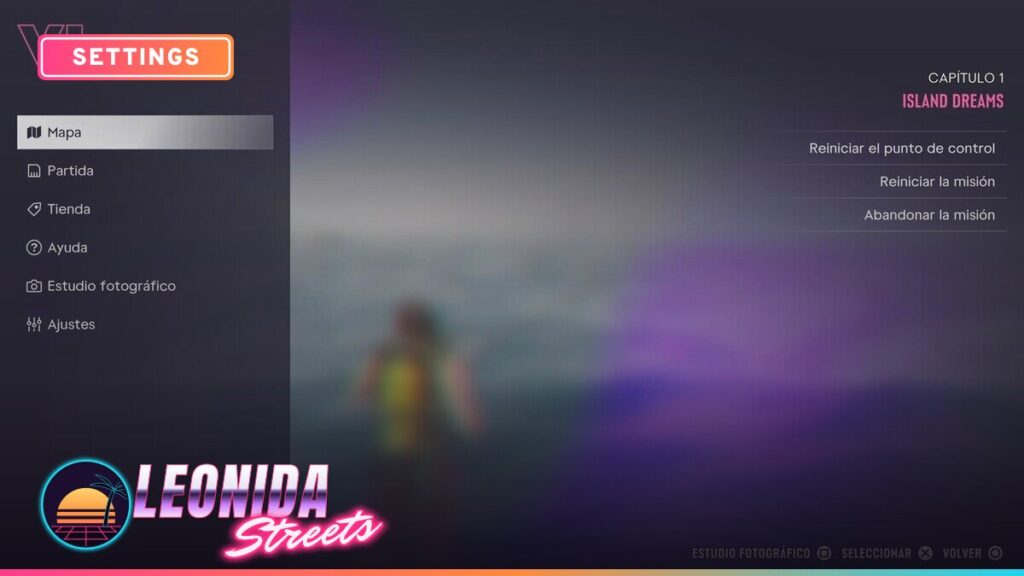
GTA 6 launched on November 19, 2026 with a long list of accessibility options, but they're scattered, so people miss them. This guide maps where each one lives and what it does. If you just want the general setup (frame rate, HDR, camera, sensitivity), read our best settings guide first; this page goes deeper on the accessibility side.
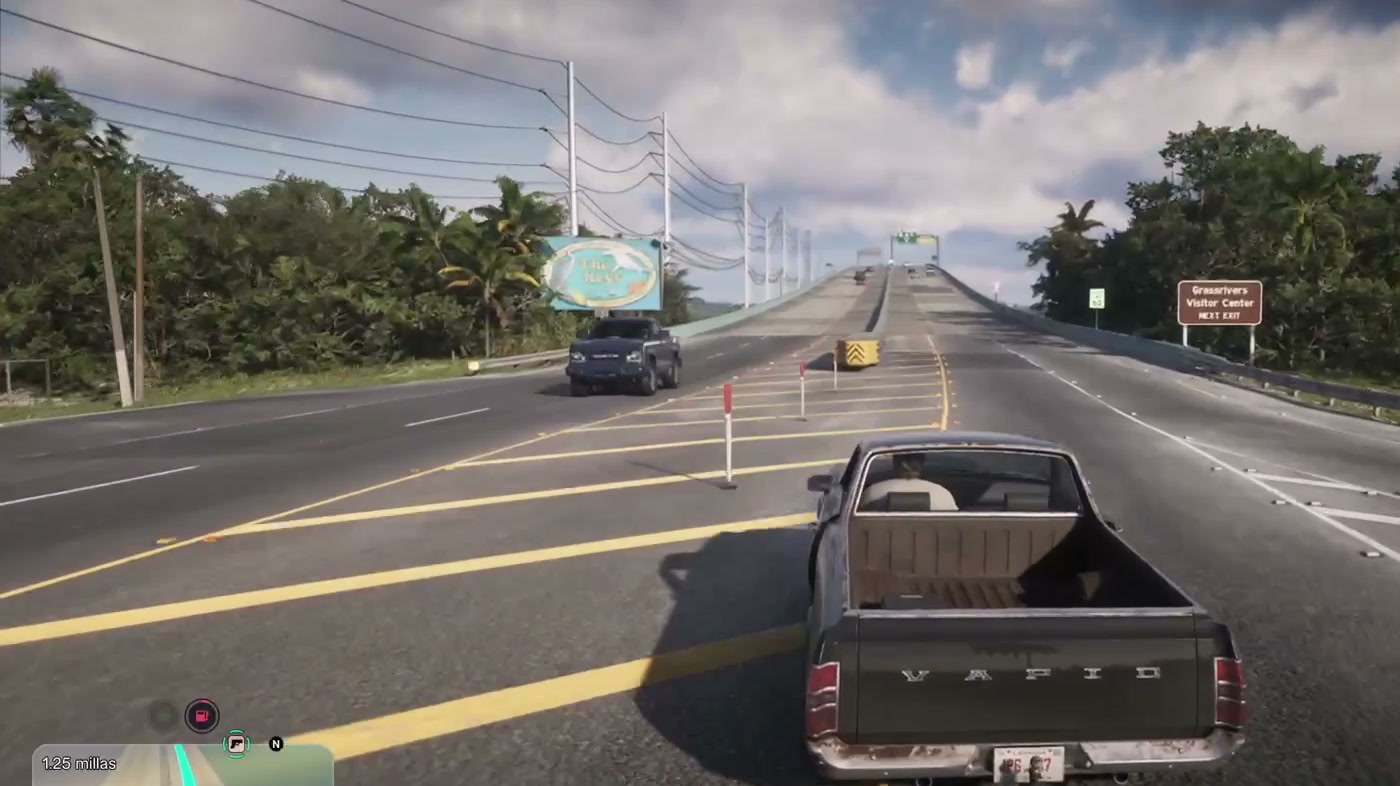
Where are the accessibility settings in GTA 6?
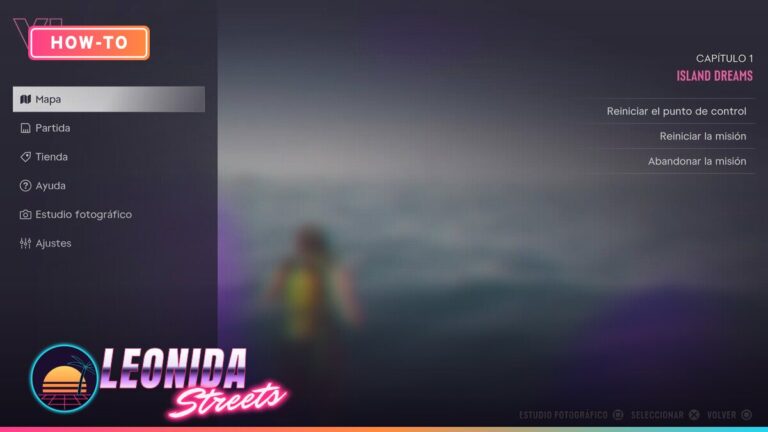
Open the pause menu (Options on PS5, Menu on Xbox), go to Settings and move between tabs with L1/R1 or LB/RB.
| Tab | What you'll find |
|---|---|
| Gameplay > Accessibility | Tap Assist, Hold Assist, Hold Delay, hold-or-press options, Simplified Mini Games, Auto Drive, Accessible Combat, Reduced Vehicle Damage |
| Audio | Screen Narration, Audio Descriptions, Mono Audio, Tinnitus Reduction, GPS Voice, volume sliders |
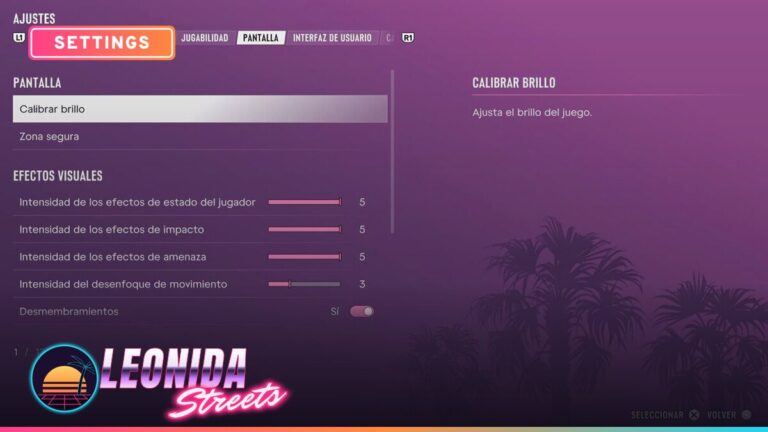
| Display | Brightness/HDR calibration, Brightness Reduction, High Contrast Shaders, effect intensity, Motion Blur, Flashbang |
| UI | Text size, color adjustments, marker sizes, subtitles and captions, reticle |
| Camera | Camera Shake, Camera Bob, Weapon Sway, follow speeds, cinematic cameras |
| Controller | Control scheme (Default, Classic, Left-Handed), vibration, deadzones |
Some of these also show up in a prompt when you first start the game, so you can set narration before the menus.
Screen Narration: how to turn it on or off
- Pause and open Settings.
- Go to the Audio tab.
- Scroll down to the Narration section.
- Toggle Screen Narration on or off.
| Narration option | Range | Default |
|---|---|---|
| Volume | 1-10 | 7 |
| Speed | 1-8 | 3 |
| Voice | 2 voices | - |
It reads most menus and on-screen UI text. One guide notes it's English only for now. The same section has an Audio Descriptions toggle. If narration keeps talking over you and you didn't turn it on, it was probably switched on in the first-launch prompt; turn it off here.
Does GTA 6 have driving assists?
GTA 6 doesn't have a "steering assist" slider. The driving help comes from these:
- Auto Drive (Gameplay > Accessibility): drives you to your destination. It only works in the cinematic camera. Restricted (default) only allows it in safe situations; Unrestricted lets it run in any situation, including less safe ones. How to use it for travel is in our fast travel guide.
- Reduced Vehicle Damage: your car takes less damage. The game warns it changes the balance a lot.
- Drive-By Assist: aims toward nearby targets when you shoot from a vehicle.
- Nitrous: set it to press instead of hold.
- Simplified Mini Games: makes hotwiring (plus exercising and basketball) easier. See how to hotwire cars.
- GPS Voice (Audio): spoken or tone directions. GPS Turn Indicators (UI) can be on, highways only or off.
- Vehicle Radio (Audio): set it to Off so getting into a car doesn't start the radio. To pick a station manually instead, see how to change the radio station.
Brightness, contrast and colorblind modes
- Brightness Calibration (Display): for SDR TVs. Adjust until dark details are visible without washing out the picture, then check it at night in-game.
- HDR Calibration (Display): three sliders, Max Brightness, Black Levels and Paper White. Full values are in our best settings guide.
- Brightness Reduction (Display, off by default): softens bright lights in the world without changing the HUD. Useful if sunlight or neon is uncomfortable.
- High Contrast Shaders (Display, off by default): adds colored highlights to groups you pick (your character, allies, threats, things you can interact with), with adjustable opacity.
- Color Adjustments (UI): Protan, Deutan or Tritan modes for objective, enemy and companion colors.
- Focus Trail Colorblind Mode (Display): stronger colors for the Focus trail. How Focus works and how to train it is in our workout and Focus guide.
- UI Text Size (UI): Small to Extra Large. Map, minimap and in-world markers can be set to Large.
- Flashbang (Display): set it to Dark to get a dark flash instead of a bright white one.
Can you turn off the vignette in GTA 6?
Not as far as we can tell. None of the full settings lists published at launch includes a vignette option. What you can change:
- Awareness Effects Intensity: controls the screen-edge effects that warn you about police and off-screen threats. Guides don't describe it as a vignette switch, and lowering it too much makes those warnings harder to notice. If you rely on them to dodge the cops, read how the wanted level works first.
- Player Status Effects and Hit Effects Intensity (1-5, default 5): tones down the screen effects when you're hurt or hit.
- Brightness Calibration: raising brightness lifts the whole image, not just the edges, so it won't remove a vignette. Calibrate properly instead.
If a patch adds a vignette toggle, we'll update this page.
Is "Extended Look" a setting?
No. "Extended Look" is what Rockstar called the 26-minute GTA 6 gameplay showcase released on August 27, 2026 (on Netflix first, then on Rockstar's YouTube channel). It's a video, not an option in the game. If you're after camera comfort, the closest settings are in the Camera tab: Camera Shake, Camera Bob (1-10, default 10), Weapon Sway and the follow-speed sliders. A Persistent Center Dot (UI > Reticle) can also help with motion sickness, and Motion Blur Strength is in Display. Some players also find a different view more comfortable; see whether you can switch to first person.
Motor, hearing and combat assists
Buttons and holds
- Tap Assist: one press counts as 2, 3 or 4 presses, or turns repeated presses into a hold.
- Hold Assist: shortens how long you have to hold a button, by 2x to 4x.
- Hold Delay: 0% to 250%, to stop accidental holds.
- Aiming and Interact: hold or press.
- Control Scheme: includes a Left-Handed layout. All buttons are in our controls guide.
Hearing
- Subtitles: Off, Mission Only or On, with three sizes, speaker names and an optional background.
- Closed Captions: separate from subtitles, with options for non-speech and environment sounds.
- Mono Audio and Tinnitus Reduction (cuts the ringing after explosions).
- If a setting doesn't stick or a menu misbehaves after an update, check our known bugs and fixes page.
Combat
- Accessible Combat: lowers enemy health and the damage you take. Big balance change, but nothing stops you using it.
- Targeting (Lock-On, Partial, Free Aim) and Aim Assist Strength. More in our combat guide.
FAQ
Where are the accessibility settings in GTA 6?
There's no single tab. Motor assists are in Gameplay > Accessibility, narration in Audio, brightness and contrast in Display, and subtitles, text size and color modes in UI.
How do you turn off Screen Narration in GTA 6?
Pause, open Settings, go to the Audio tab, scroll to Narration and switch Screen Narration off.
Does GTA 6 have driving assists?
Yes: Auto Drive (cinematic camera, Restricted or Unrestricted), Reduced Vehicle Damage, Drive-By Assist and Simplified Mini Games for hotwiring. There's no steering assist slider.
Can you remove the vignette in GTA 6?
No vignette option has been found in the settings. You can lower Awareness Effects and hit effects intensity, but that's not the same thing.
What is Extended Look in GTA 6?
It's Rockstar's 26-minute gameplay video from August 27, 2026, not an in-game setting.
Does GTA 6 have subtitles and closed captions?
Yes. Subtitles can be Off, Mission Only or On, with three sizes and speaker names. Closed Captions are a separate option that also describes non-speech and environment sounds.
Can you make combat easier in GTA 6?
Yes. Accessible Combat in Gameplay > Accessibility lowers enemy health and the damage you take. You can also switch Targeting to Lock-On and raise Aim Assist Strength.
Does GTA 6 have a colorblind mode?
Yes. UI > Color Adjustments has Protan, Deutan and Tritan modes, and Display has a Focus Trail Colorblind Mode and High Contrast Shaders.
Keep reading
Comments
No comments yet. Ask a question or share a tip!
Leave a comment