GTA 6 Crashing on Some PS5s With Error CE-108255-1: No Fix From Rockstar or Sony Yet
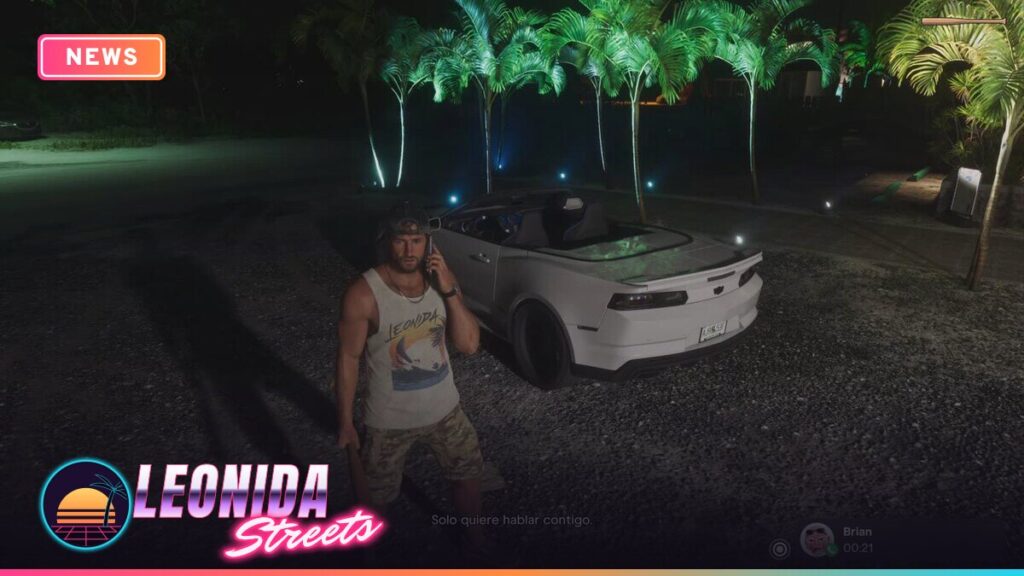
Since GTA 6 launched on November 19, a number of PS5 owners have reported the game crashing to the home screen with error CE-108255-1, as covered by GameSpot and Notebookcheck on November 20-21, 2026. As of November 22, neither Rockstar nor Sony has named a cause or released a fix.
What players are reporting
Crashes are reported at startup, on loading screens, during the opening cutscene and in early missions. Each time, the game closes and returns to the PS5 home screen. Most reports come from the base PS5 and PS5 Slim, with some PS5 Pro owners affected too. There are no figures on how many consoles are affected, and many reviewers and players have played for dozens of hours without a single crash.
What Rockstar and Sony have said
Very little so far. Sony’s support page describes CE-108255-1 only as a general error with the game or application, and its advice is to update the game, then contact PlayStation Repairs if the problem continues. Rockstar’s troubleshooting article was last updated on November 18 and points to Sony’s and Microsoft’s error-code pages. Rockstar hasn’t commented publicly on these crashes, and the latest game version (01.002.001, from November 16) came without patch notes.
Theories, not facts
You’ll see claims online that the PS5’s liquid metal cooling is drying out on older consoles, and others saying the problem is purely software. Neither has been confirmed. Notebookcheck notes that affected consoles apparently run other games fine, and players say clearing the cache, rebuilding the database and reinstalling haven’t reliably helped. A viral claim that Rockstar will release a fix patch on November 25 also has no official source.
What you can do now
- Install the latest PS5 system software and check that the game is on its newest version.
- Save manually and often, to several slots, so a crash costs you as little progress as possible.
- If it keeps happening, report it to both Rockstar Support and PlayStation Support, with the error code and the point where it crashes.
We keep a running list of workarounds in our GTA 6 known bugs and fixes guide, and any official patch will appear on our GTA 6 patch notes page. See also how to save in GTA 6.
Source: GameSpot · Notebookcheck
Keep reading
Comments
No comments yet. Ask a question or share a tip!
Leave a comment